

Download Photo Video Editor APK – Photo Video Editor, Slideshow Maker, Mobile Video Editing Tool
Overview
Photo Video Editor APK is a mobile multimedia application developed by Video Note LLC, designed to simplify the creation of video slideshows from personal photos. The app targets users who want to share visual stories quickly and effortlessly without the complexity of desktop editing software. It enables users to transform static images into dynamic, emotionally expressive videos using basic editing tools.
Ideal for beginners, families, and casual content creators, the app allows storytelling through curated photo collections enhanced with filters, transitions, text, and music. Real-world use cases include sharing memories from events like birthdays, weddings, or travel, as well as creating short video messages for loved ones. The application eliminates the need to transfer files to a computer or wait for uploads to social media platforms.
Instead, videos can be produced and shared directly from the mobile device. The developer did not provide additional details about the company’s background or broader product lineup. Platform compatibility is limited to mobile operating systems, as the app is distributed exclusively through Google Play.
No desktop version is available, and the software is not designed for professional-grade video production.
Key Features & Capabilities
- Photo-to-Video Conversion – Users can select multiple images from their device’s gallery and convert them into a cohesive video slideshow with minimal input.
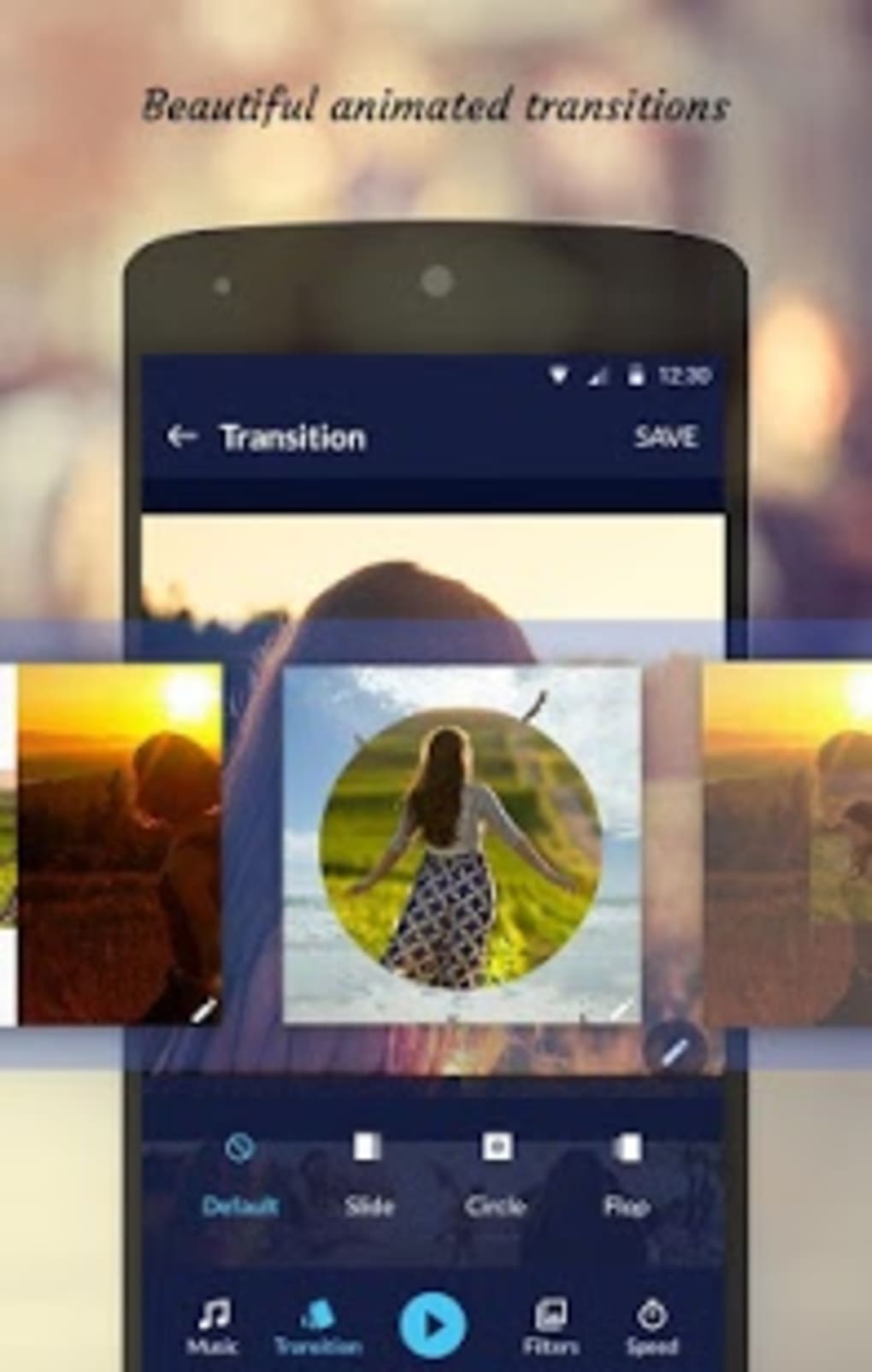
- Customizable Transitions – The app includes animated slide transitions to create smooth visual flow between images, enhancing the storytelling experience.
- Image Filters – Offers 15 distinct filters to alter the mood and aesthetic of photos, allowing users to match the tone of their narrative.
- Adjustable Video Speed – Enables users to speed up or slow down the playback, ideal for creating energetic or dramatic effects depending on the content.
- Text Overlay Support – Allows insertion of captions or titles onto frames, useful for adding context or emotional emphasis.
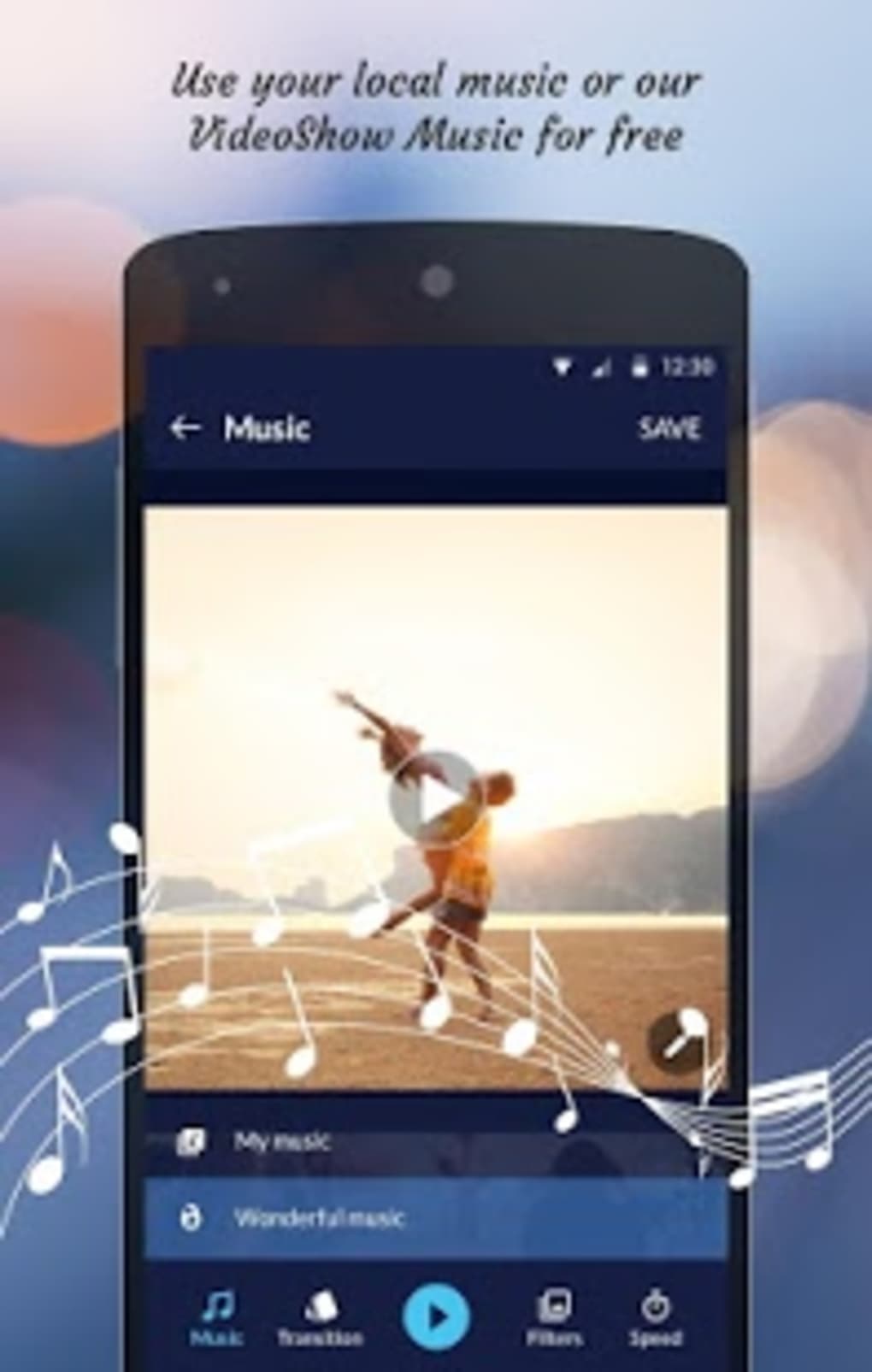
- Audio Integration – Supports both built-in free music clips and local audio files from the device’s library, enabling personalized soundtracks.
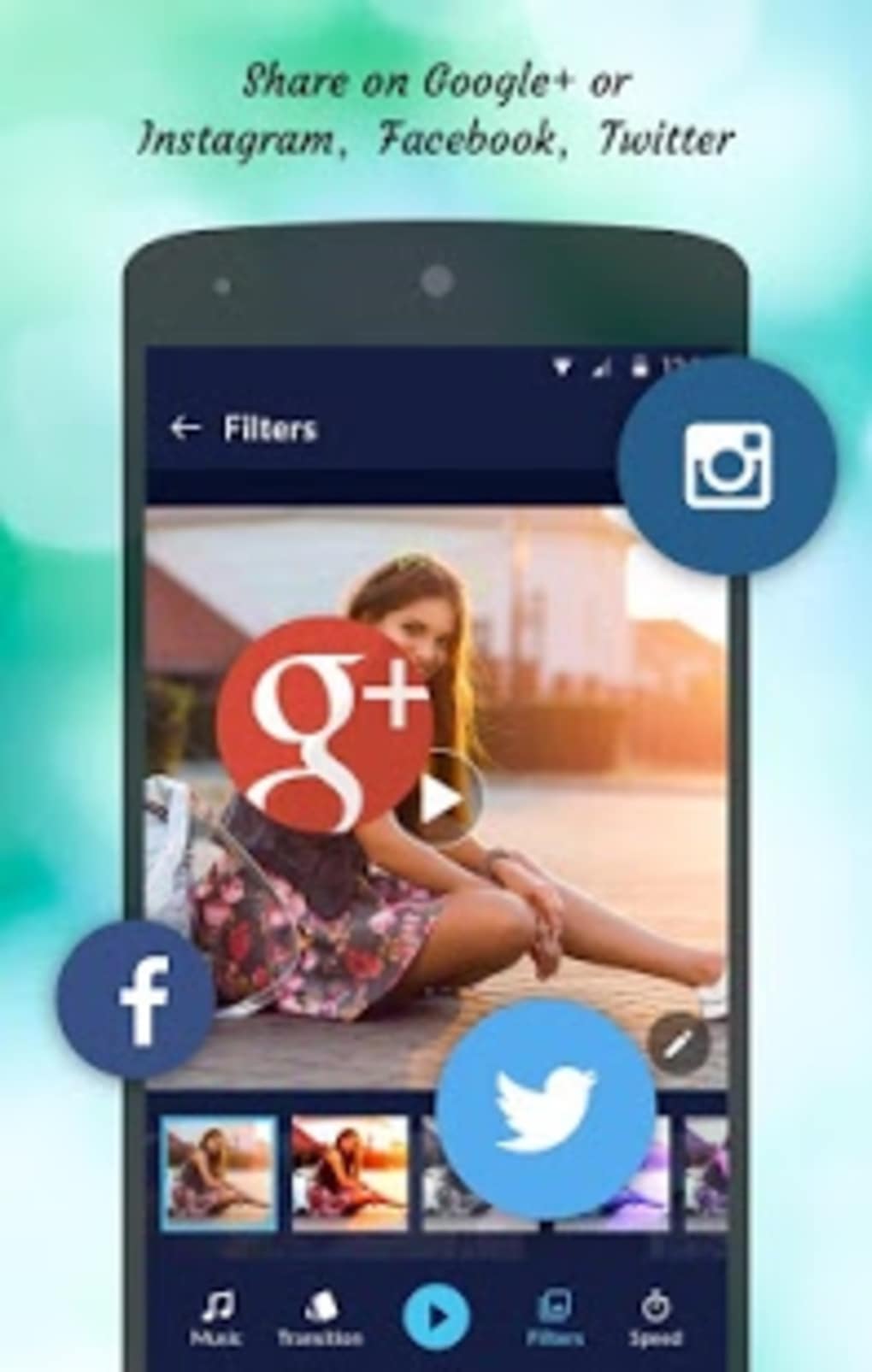
- Direct Sharing Options – Videos can be shared instantly across major platforms including Facebook, Google+, Instagram, and Twitter.
These features support simple, intuitive workflows. For example, a user can compile 10 vacation photos, apply a sunset filter, add a slow transition, insert a heartfelt message, and pair it with a favorite song. The resulting video can be shared in minutes. The app is particularly useful for individuals who want to create meaningful visual content without technical expertise. It serves as an accessible entry point into video editing, helping users learn foundational concepts like pacing, visual continuity, and audio synchronization.
User Interface, Workflow & Performance
The application features a clean, mobile-optimized interface focused on simplicity and ease of access. Navigation is designed around a central workflow: select photos → apply edits → preview → share. The layout prioritizes touch-friendly controls, with large buttons and clearly labeled options for filters, transitions, and audio.
The editing process is streamlined to reduce friction, allowing users to make changes in real time. Workflow efficiency is high for basic projects, with most tasks completed in fewer than five steps. The developer did not specify resource usage details, so exact performance behavior, CPU load, or RAM consumption remain unknown.
General software behavior suggests the app operates smoothly on modern Android devices, but performance may vary depending on hardware. Stability is assumed to be adequate for its intended use, given the app’s availability on Google Play. No reported crashes or errors were mentioned in the provided description.
Users should expect standard mobile app responsiveness, with no indication of lag or freezing under normal conditions.
Compatibility & System Requirements
Photo Video Editor APK is designed for Android devices and is available exclusively on Google Play. The operating system compatibility is limited to Android, though specific version requirements were not listed. The application’s file size is not specified in the provided information.
The developer did not provide additional system requirements such as minimum RAM, processor type, or storage space. Compatibility with older Android versions or specific device models remains unclear. Installation is handled through the Google Play Store, which manages updates and device compatibility checks automatically.
No desktop or cross-platform versions are available. Users should verify device compatibility through the app store before downloading. The software is not intended for use on Windows, Mac, or other desktop environments.
Pros and Cons
Pros
- Simple, intuitive interface suitable for beginners
- Fast video creation with minimal steps
- Supports direct sharing to major social media platforms
- Includes 15 image filters and animated transitions
- Offers both free music and local audio integration
- Free to download and use via Google Play
Cons
- No desktop or PC version available
- Audio clips are limited to 30 seconds
- Exact system requirements not disclosed
- Only basic editing tools are provided
- Not suitable for advanced or professional video editing
- Limited to Android platform
FAQ Section
Is Photo Video Editor available for Windows or Mac?
Currently, the application is only available for Android devices and is not compatible with Windows or Mac operating systems.
Can I use my own music in the videos?
Yes, users can import music from their device’s local library to use as background audio in their video slideshows.
Is the app safe to download?
As the app is distributed through Google Play, it undergoes standard security checks. However, users should always download from official sources to avoid third-party risks.
Are there in-app purchases or ads?
The provided information does not specify the presence of in-app purchases or advertisements. The app is listed as free to download.
Can I edit videos longer than 30 seconds?
The app includes 30-second audio clips from its music library. However, users can extend video length by adding more photos or adjusting playback speed, though the audio duration per clip remains limited.
Final Thoughts + CTA
Photo Video Editor APK delivers a straightforward solution for creating expressive video slideshows from photos on Android devices. While it lacks advanced features and desktop compatibility, it excels in simplicity, speed, and accessibility. The app is ideal for casual users, families, and beginners who want to share personal moments without technical barriers.
Its core functionality—filtering, transitioning, text overlay, and audio integration—works reliably for basic storytelling. The absence of system requirements and performance metrics is a limitation, but the app’s mobile-first design ensures it runs smoothly on compatible devices. For those seeking a lightweight, free tool to turn memories into shareable videos, this application offers a practical starting point.
Download Photo Video Editor APK now and start sharing your visual stories in minutes.






.png)
